An AI copilot for auto shops: ask, and get the answer from your own numbers.
Dash is an AI copilot for auto shops on every screen: ask in plain English, get the answer from your own live data.
On every screen, Your shop only, Ships on every plan
Dash Copilot in Service VIN: a question typed into the ask bar from an ordinary Quotes screen while a shop owner sits at his desk, the read fenced to his own shop under row-level security, and the answer landing as 7 open quotes worth $18,240 with two of them named underneath.

The short answer
What can an AI copilot answer for a shop owner?
The questions you would otherwise go looking for: what is still owed, which quotes are open, what a service really earns, how the week compares with the last one. Dash reads your own live figures rather than a general model's guess, and shows the numbers behind the answer.
It is on every screen, so the question is asked where you are rather than in a reports tab.
Plain English in, a real figure out, with the rows it was computed from shown underneath.
It reads only your shop's data, never another shop's.
When it cannot answer from your data it says so instead of inventing a number.
A question and an answer. That's the whole thing.
No dashboard to build, no report to run, no filter to fiddle with. The “?” is always one tap away, and the answer comes from the numbers already in your shop.
- 1
Tap the ?
Dash rides along on every screen behind a single “?” launcher. Open it anywhere and the panel is already there — no new tab, no separate app, no hunting through menus for the number you want. - 2
Ask in plain English
“How many open quotes do I have?” “What's my outstanding invoice balance?” “Which film do I need to reorder?” Type it the way you'd say it. Any page can also deep-link a question in already filled out, one tap from where you're standing. - 3
Get an answer from your numbers
Dash reads your own live data and answers straight — the count, the dollar figure, the list — grounded in your shop and nobody else's. No dashboards to build, no report to run.
Real questions, straight from your data.
Dash isn't a general chatbot bolted onto a login. It reads what's actually in your shop — the quotes, the invoices, the jobs, the leads, the stock, the menu — and answers about those.
Open quotes
“How many quotes are still out, and what are they worth?” Dash gives you the count and the total value sitting in your pipeline right now.
Money owed
“What's my outstanding invoice balance?” The unpaid total across your open and partially-paid invoices, without exporting a thing.
Active jobs by stage
“What's on the floor?” A read of your active work broken down by stage — scheduled, in progress, curing, QA, ready.
Your lead pipeline
“Where are my leads?” A straight look at the pipeline so you know what's coming before it lands in a bay.
Film to reorder
“What am I about to run out of?” Dash surfaces the stock that's low so a job never stalls waiting on a roll.
Menu, records & setup
Your service menu and pricing, a recent record you're trying to find, a customer by name, or where your setup still needs a nudge — Dash reads them for you.
Ask from the page you're already on.
Dash lives on every authed screen, so you never navigate off to go ask it something. Better still, a page can deep-link a question straight into the panel with the wording already filled in — one tap from the invoice, the job or the setup step you're looking at, and Dash is answering about exactly that.
- One “?” launcher, present on every screen
- Pages pre-fill a question so you don't retype it
- The panel opens in place — you keep your spot
Read from your live shop data · sample shop shown
It answers freely. It changes nothing on its own.
Reading your numbers is one thing; touching them is another. When a manager asks Dash to make a change, it prepares a card and waits — and re-checks the rules the moment you tap Approve.
Ask to change, still approve
A manager can ask Dash to make a change — nudge a price, flip a setting. Dash never acts on its own: it hands you an Approve / Dismiss card instead of doing it behind your back.
Re-checked at the tap
The moment you tap Approve, Dash re-checks your permissions before anything is written. A card is a proposal until you say yes — and only if you're still allowed to.
Never a dead end
Reload the page mid-decision and a pending change is re-surfaced, not lost. A card waiting on you comes back so it never quietly disappears.
Reads by default
Ask a question and Dash simply answers — no card, nothing to approve. Only a change touches the approval queue, and only where you have the rights to make it.
You asked Dash to raise the car full-front price. Dash won't apply it until you approve — and it re-checks your permissions the moment you do.
Sample dataAn illustration of the approval card — the change shown is an example, not a real shop's price.
Grounded in your shop. It can't see anyone else's.
Every read Dash makes runs under your row-level security, as you — so it's structurally impossible for it to return another shop's data, even if it tried. That's not a setting you toggle or a promise on a slide; it's how the query is built. Your numbers are yours.
Book a demo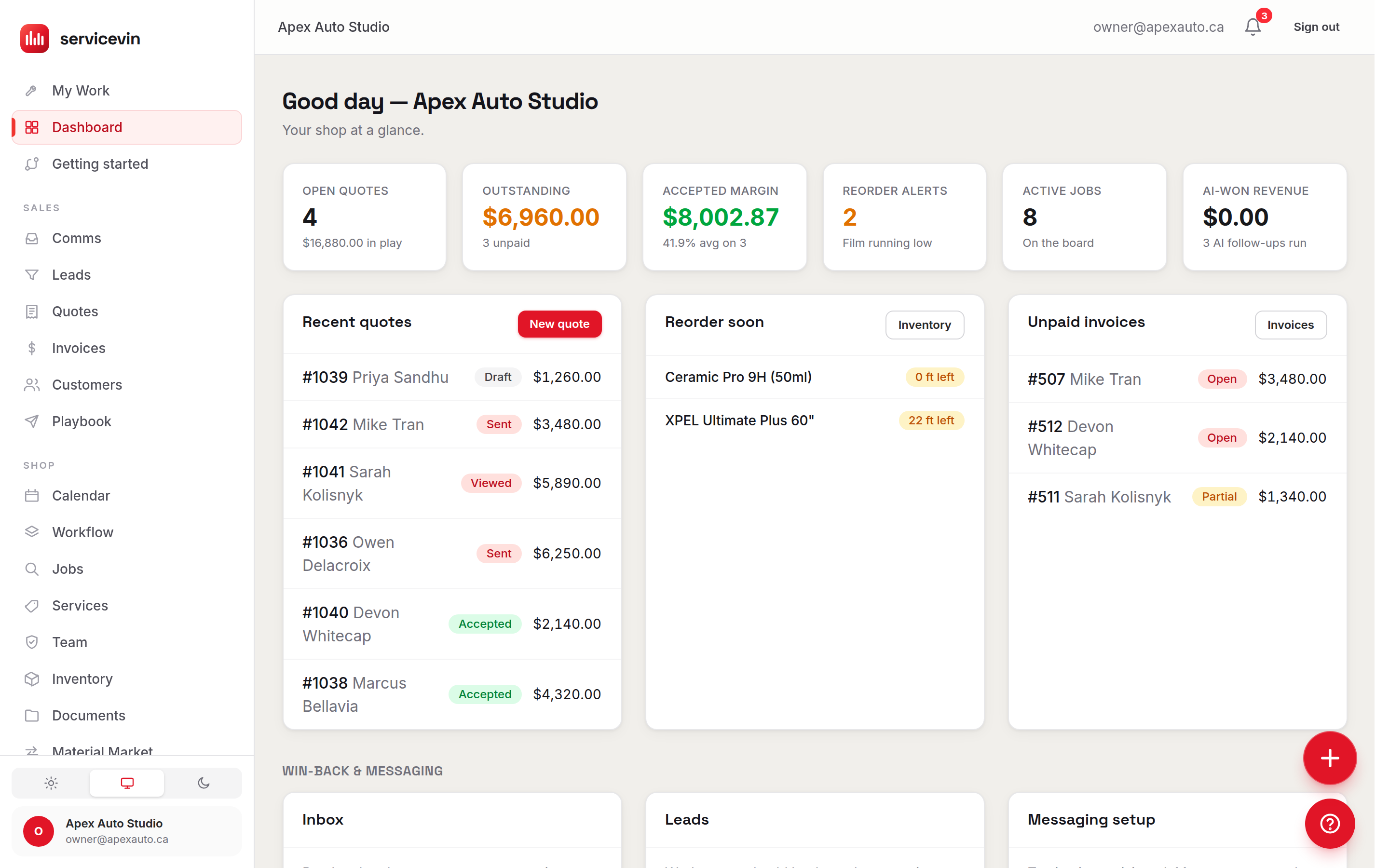
Stuck on a step? The same panel knows the answer.
Dash isn't only a data question box — it's the help center too. The Help tab searches a library of typed help articles, suggests the ones that match the page you're on, and opens them to read inside the panel while you follow along. Ask, or learn, without ever leaving your work.
- A searchable library of typed help articles
- Article suggestions tuned to the screen you're on
- Read in-panel while you follow the steps
Suggested for this page
Read it right here — no leaving the page.
Dash Copilot, or the AI Business Advisor?
Both read the same shop data and they are genuinely different products. Here is the honest split.
Dash Copilot
You are hereYou want this when you have a question right now — how many quotes are out, what you're owed, what's on the floor — and want the answer from your own data.
It does not watch your numbers for you or bring you anything unprompted; you ask, it answers.
AI Business Advisor
You want this when you want your numbers read on a schedule and something to tell you what it noticed, without you having to know what to ask.
It does not answer a question you type. It runs weekly and arrives with a brief.
On every plan, on every screen.
Dash ships on every Service VIN plan. Questions are metered in credits, and every plan comes with credits included — with a daily question cap to keep things sane. The exact figures live on the pricing page.
AI copilot for auto shops, answered
Can Dash see another shop's data?
No — and it's not a promise, it's the plumbing. Every read Dash runs goes through your row-level security as you, scoped to your shop. It literally cannot query another shop's rows, even if you asked it to. Your numbers stay your numbers.
Does Dash change things on its own?
Never. Ask a question and Dash just answers. If a manager asks it to make a change — a price, a setting — Dash queues an Approve / Dismiss card instead of acting, and it re-checks your permissions the instant you tap Approve. Change actions are only offered to managers in the first place, and nothing is written until you say yes.
What can I actually ask it?
Real questions about your own live data: open quotes and their value, your outstanding invoice balance, active jobs by stage, your lead pipeline, film that needs reordering, your service menu and pricing, recent records, a customer by name, and your setup status. It reads what's in your shop — it isn't a general chatbot bolted onto your numbers.
Is Dash also the help center?
Yes — the same panel has a Help tab. Dash searches a library of typed help articles, suggests the ones that fit the page you're on, and lets you read them right inside the panel while you follow the steps, so you never lose your place.
What does it cost to ask?
Questions are metered in credits, and every plan comes with credits included. A daily question cap keeps runaway usage in check, and the exact figures live on the pricing page rather than being baked into a marketing claim. Dash itself ships on every plan.
Do I have to go find Dash?
No — it comes to you. The “?” launcher is on every screen, and pages can deep-link a question straight into the panel already filled in. You ask from wherever you already are instead of navigating off to a reports screen.
It doesn't work alone
The rest of the answer lives here
- AI Business AdvisorFeature. The same numbers, read weekly and brought to you unprompted.
- Reports & AnalyticsFeature. When the answer needs a drill-down rather than a sentence.
- AI CallingFeature. The calls behind half the questions you end up asking Dash.
- The Installer AppFeature. Where the jobs Dash reports on actually get worked.
Built for your trade
Related reading
- DocsDash copilot
Stop hunting for the number. Just ask.
Open quotes, money owed, what's on the floor, what to reorder — one tap on the “?”, answered from your own live data. On every plan.
Free for 14 days, no credit card required. Voice answering is a Command-plan beta; everything else here is on by default.