Go-live target: 48 hours from your file
Switch shop management software? We do the migration for you.
Free for 14 days, no credit card required
The short answer
How do I switch shop management software without losing data?
Send us the export from the tool you run today, a CSV or a spreadsheet. A person on our team maps the columns, dry-runs the import and loads it, with a go-live target of 48 hours from your file. Importing sends no message to your customers, and a batch you have not started working can be undone for 24 hours.
Three promises the importer keeps
Six things a job organizer can't do
The left of each pair is a category, not a company. Pick a topic, or let them play.
A job organizer records the job after you win it
Campaigns graded in booked jobs
Connect Google Ads and every campaign is graded in booked jobs and paid revenue. Switch on conversion upload and each paid invoice from a Google click goes back to Google as its value, so bidding learns what a good job looks like. Imported campaigns start report-only, built ones launch paused, and your daily ceiling holds.
- Paid invoices from Google clicks reported back as their value
- Campaigns are created paused and spend only when you say
- EXACT and PHRASE keywords only, no broad match
- Imports about 2 years of account history to start
Created paused
Paid invoice to Google
$2,190
the value of the click
Sample dataA job organizer is automation you configure and maintain
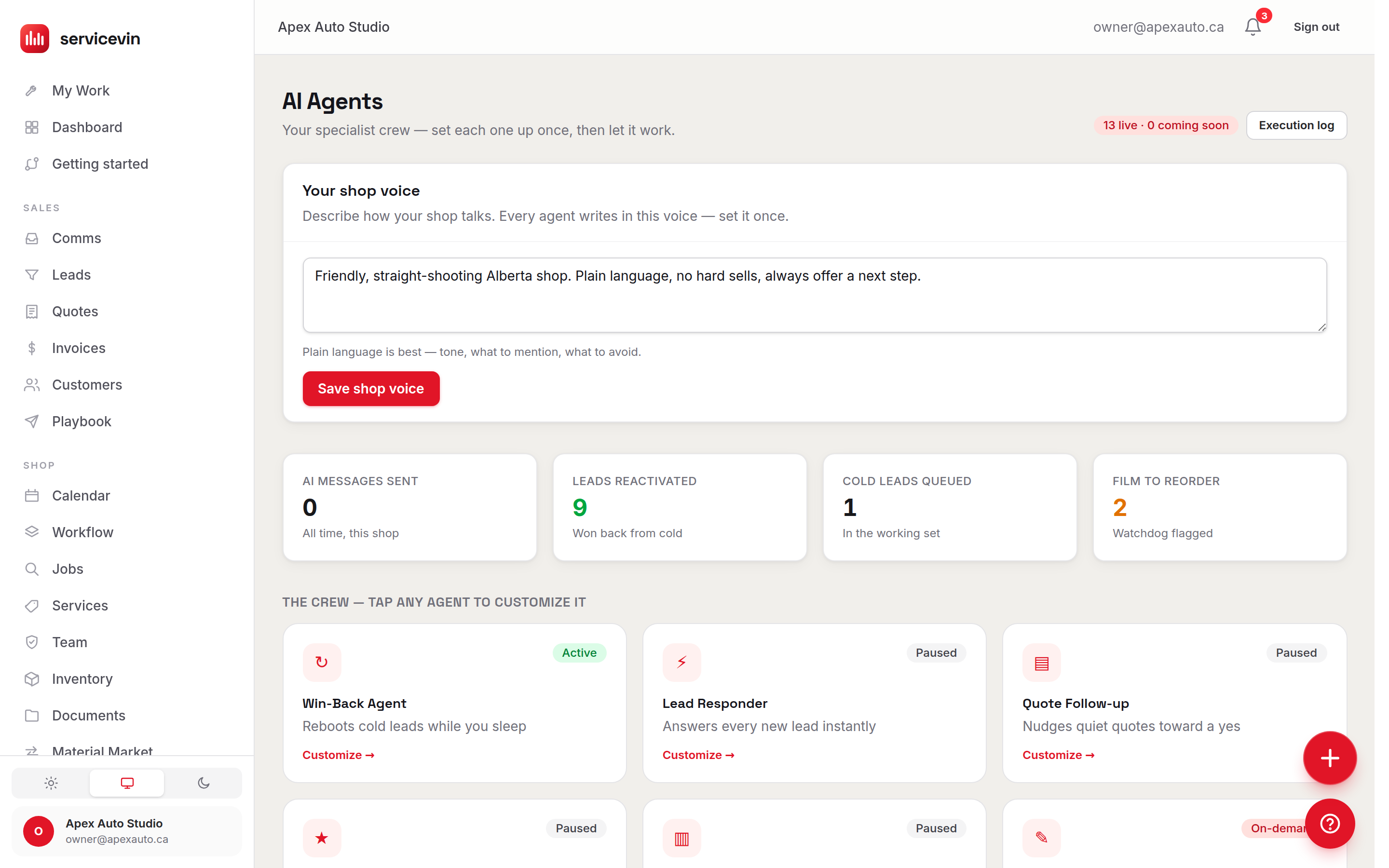
A crew of fourteen named agents
A crew of fourteen named agents with real jobs, not a chatbot bolted onto a sidebar. Set each one to autopilot or to draft-first, where it queues the message for your approval. Quiet hours, opt-outs and one shop voice apply either way, and every action lands in a ledger you can read.
- Autopilot or draft-first, per agent: your choice, changeable any time
- Quiet hours and opt-outs apply to every message, on every mode
- One shop voice, set once, used by the whole crew
- Every action lands in a ledger you can read
Quiet hours respected
Draft-first
Queued for you
every message waits for a tap
Sample dataA job organizer logs the call, and that's the feature
Missed call, texted back, quoted, booked
The missed call gets a text back. The call you did take gets transcribed, and the quote you promised on it is already drafted. One tap sends it; the customer signs it and pays the deposit online.
- A missed call is texted back from your own number
- Calls you take are transcribed, with the promise pulled out
- The quote you promised is drafted before you hang up
- The customer signs and pays the deposit online
Texted back from your number
7 seconds after your missed call (sample timing)
Sample dataA job organizer shows revenue on the invoice, margin later
Margin costed live from your rolls
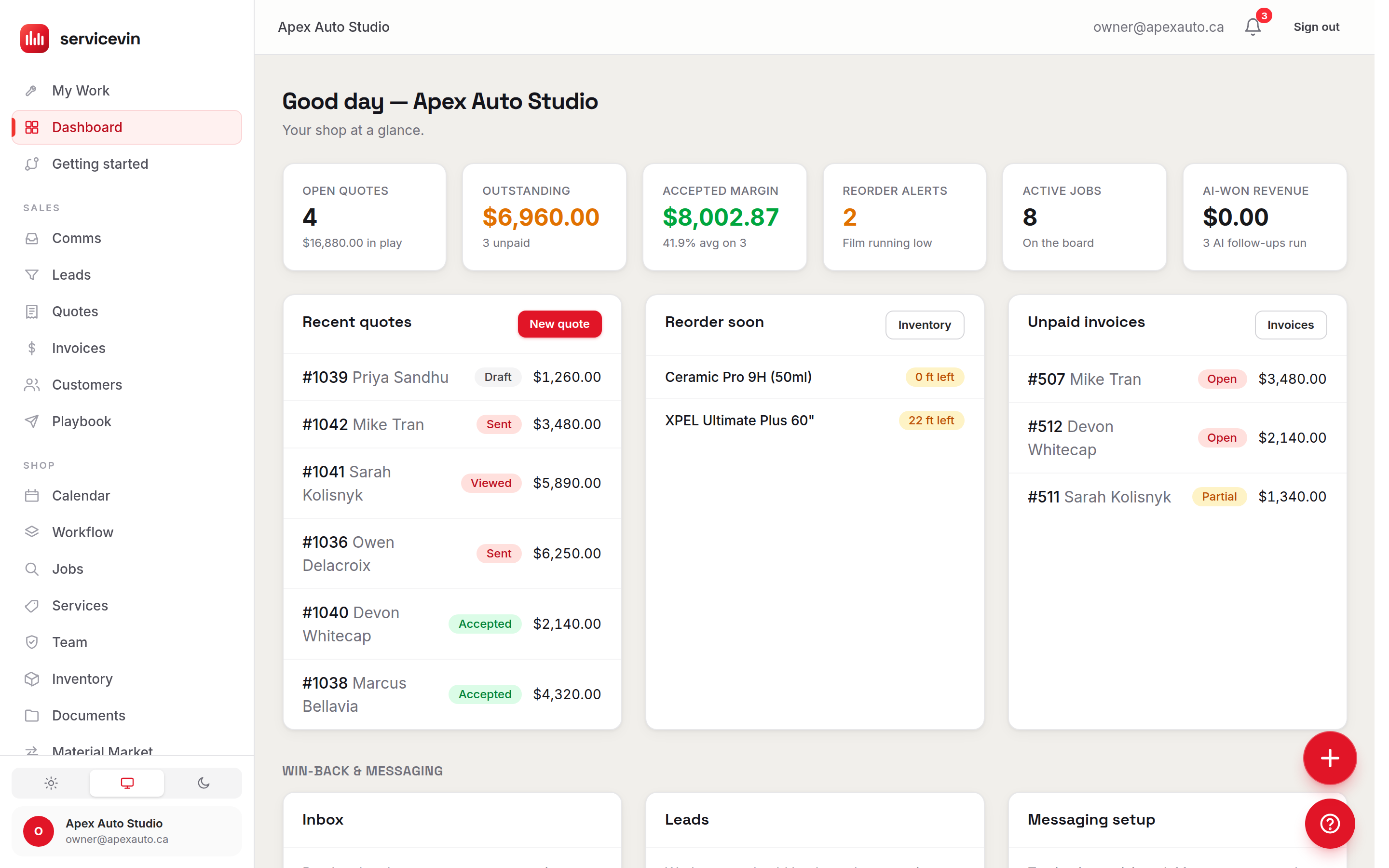
Quotes costed from the actual roll on your rack, scheduling that ranks open slots by profit, and gross profit on every finished job, not just revenue.
- Live Margin $ and Margin % as you build the quote
- Costed from the film on your shelf
- Open slots ranked by profit, not just by the hour
- Gross profit on every finished job

Costed from your shelf
Quote #249, drafted
$2,190
72% margin, costed from the roll on the rack
Example pricesA job organizer files jobs. A shop works on cars
VIN scan, panels, film to the foot
VIN scan fills the vehicle in. Customer Garage keeps every car you've touched. Panel-level quoting, vehicle-size rate matrices, and an installer app your techs will open.
- A VIN scan fills the year, make, model and trim in
- Customer Garage keeps every car you've touched
- Panel-level quoting and vehicle-size rate matrices
- An installer app your techs will open

Every car you've touched
VIN scanned
Model Y, 2025
panels and rate matrix filled in
Sample dataA job organizer makes your crew a line item
Flat price, whole crew included from $199/mo
No per-seat charge on any plan: unlimited team logins from Growth ($199/mo). AI credits are included, so a typical month costs $0 extra. Prices are on the pricing page, and you're live in an afternoon.
- No per-seat charge on any plan
- Unlimited team logins from Growth
- A typical month costs $0 extra
- 14-day free trial, every price in public
Unlimited team logins
Booked, Thu 9:00 AM
deposit link sent, no one touched a phone
Sample data14
13 AI agents plus a voice receptionist (beta), working the phones, texts and follow-up
Who does what
Your part is the export and the review
A person on our team runs the same importer you could run yourself.
What transfers today
What comes across, and what stays behind
Native presets cover Urable, Tint Wiz, OrbisX, Jobber, QuickBooks Online and Zoho Books; anything else, Housecall Pro included, comes as a CSV. The mechanics are on the data import page.
| Your data | Via import |
|---|---|
| Customers and their contact details | Today |
| Vehicles, tied to each customer | Today |
| Invoices, with the services sold on each | Today |
| Quotes, won and lost | Today |
| Job history, and upcoming appointments as live bookings | Today |
| Open leads, without messaging anyone | Today |
| Notes, into each record's notes | Today |
| Text and call history | Today |
| Photos and install galleries | Not yet |
Tool by tool
What each tool's export carries
Each row is a preset in the importer, so the columns that tool names are already matched. A file holds up to 20,000 rows; a bigger book is split into parts. The go-live target is 48 hours from your file, whichever tool it came from.
| Coming from | Comes across | Stays behind | How |
|---|---|---|---|
| Urable | Customers and vehicles, invoices with line items, quotes, jobs and upcoming appointments and leads | Text and call history and photos | A CSV export from that tool |
| TintWiz | Customers and vehicles, invoices with line items, quotes, jobs and upcoming appointments and leads | Text and call history and photos | A CSV export from that tool |
| OrbisX | Customers and vehicles, invoices with line items, quotes, jobs and upcoming appointments and leads | Text and call history and photos | A CSV export from that tool |
| Jobber | Customers and vehicles, invoices with line items, quotes, jobs and upcoming appointments and leads | Text and call history and photos | A CSV export from that tool |
| QuickBooks Online | Customers and vehicles, invoices with line items and quotes | Jobs and upcoming appointments, leads, text and call history and photos | A CSV export from that tool |
| Zoho Books | Customers and vehicles, invoices with line items and quotes | Jobs and upcoming appointments, leads, text and call history and photos | A CSV export from that tool |
| Quo | Text and call history | Invoices with line items, quotes, jobs and upcoming appointments, leads and photos | Pulled over the connection; no file needed |
| Podium | Text and call history | Invoices with line items, quotes, jobs and upcoming appointments, leads and photos | A CSV export from that tool |
| Weave | Text and call history | Invoices with line items, quotes, jobs and upcoming appointments, leads and photos | A CSV export from that tool |
| Twilio | Text and call history | Invoices with line items, quotes, jobs and upcoming appointments, leads and photos | A CSV export; message text only if body retention was on |
Anything else, Housecall Pro or a spreadsheet included, comes across as a plain CSV with the columns matched by hand.
After the import
What your history hands back
Three things the import makes possible on your first morning, none of which sends anything to a customer.
Where to start
You can start without moving anything.
Point your existing number at the front desk and it texts back the calls you miss, drafts the quote and leaves the booking for your approval, while your current software keeps running.
The AI in it reads your own price book, calendar and customer records, so it answers and follows up without making things up. It runs beside your current software, with no data to move.
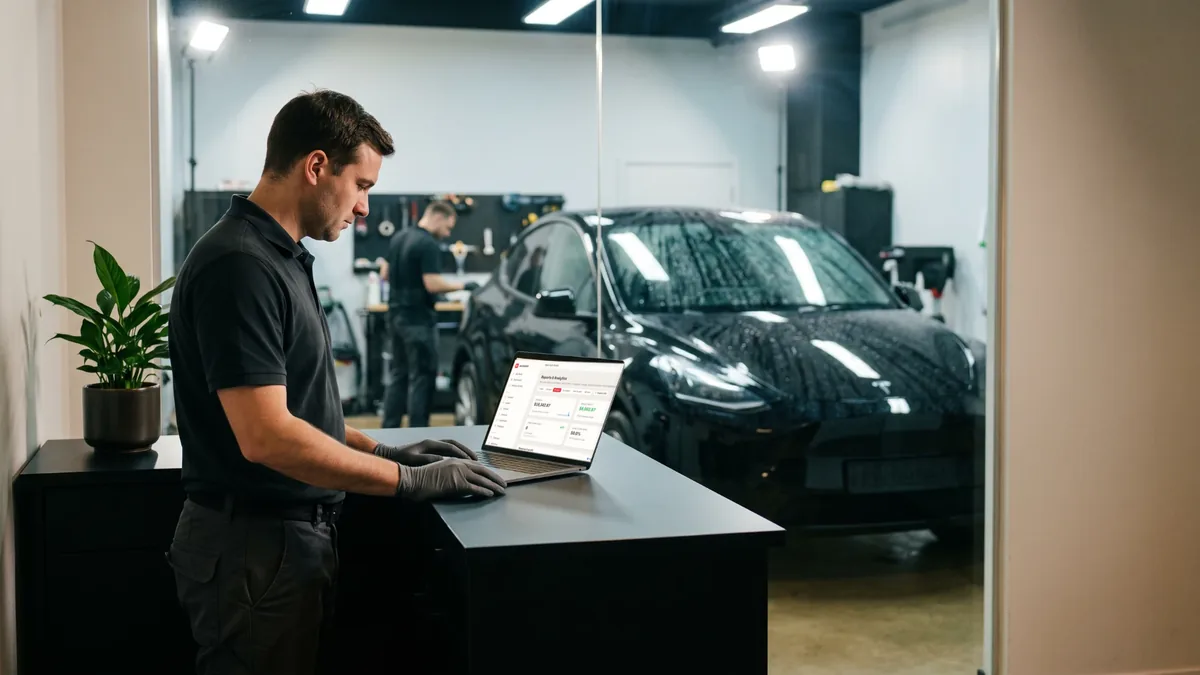
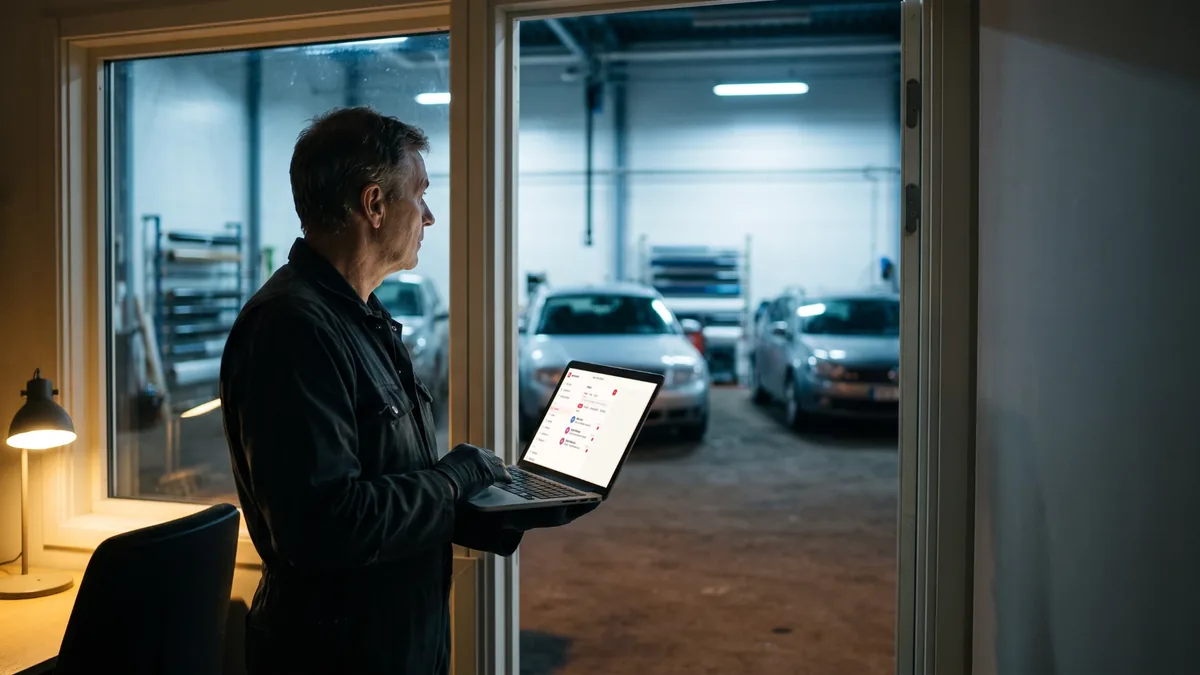
A customer reading a text in her car, a shop owner at her laptop and her glass door, and call, quote and review panels.

Questions
What shops ask before they switch
How long does switching take?
The go-live target is 48 hours, counted from the moment your export lands with us. A person on our team maps your file, dry-runs it and loads it; a large or messy export can take longer, and we'll say so. Keep running your current tool meanwhile.
Will my customers be messaged when you import them?
No. No text, no email and no automation fires when records are added. Our code enforces it and our automated tests check it, so there is no setting to forget. Drip will not text an imported customer until they deal with you again: a new job, quote, invoice or lead.
What if the import comes in wrong?
You review a dry run before anything is live. If a batch still comes in wrong, one-click undo reverses it for 24 hours, removing the records it added and keeping any that have since gained a quote, a job or a conversation. Then we re-run it.
What data transfers?
Customers, vehicles, invoices with their line items, quotes, job history, upcoming appointments, open leads, notes, and text and call history. Photos do not come across yet, so plan to start those fresh. The tool-by-tool table on this page shows what each preset reads; anything else, Housecall Pro included, comes across as a CSV export.
Do I pay anything during the migration?
No. Every account starts with a free trial, no credit card required, nothing charged for 14 days, so your book can be loaded and tested before you commit a dollar. When the trial ends no plan starts by itself; you pick one when you are ready.
Send us your export. We'll take it from here.
Start free, no credit card required, nothing charged for 14 days. We load your book without a word to your customers, with a go-live target of 48 hours and a first batch you can undo.